 Natural Voice Reader
Download. Connect Shortcuts. Enjoy.
- Download the app. Get Natural Voice Reader for free. All features are included, with no ads or subscriptions.
- Connect Shortcuts. In the app, open Settings → Set Up Shortcuts → Continue in Shortcuts. Add Natural Reader Audio and choose an expressive voice under Siri. Return to the app for the audio check, then tap Done when you see Setup Complete.
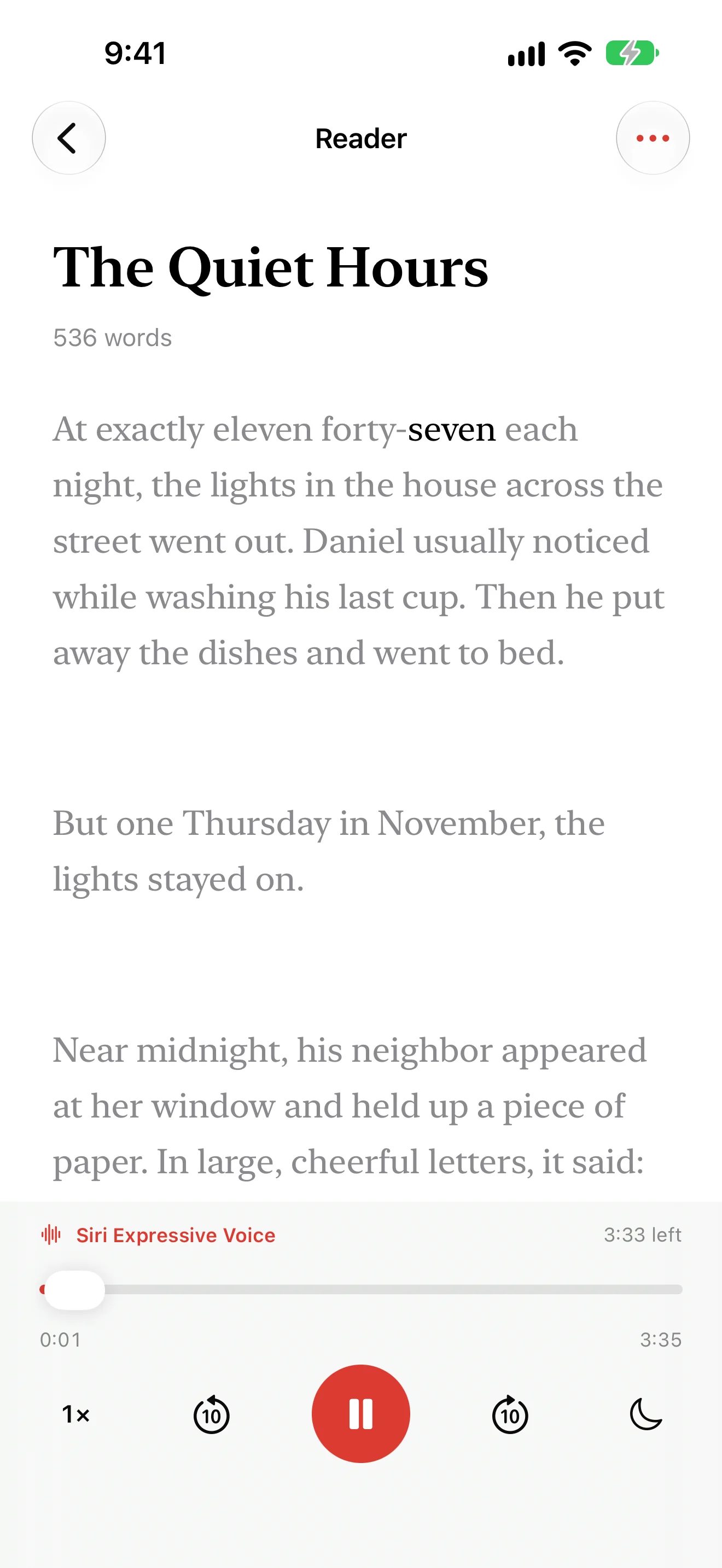
- Enjoy Siri narration. Tap +, paste or type your text, then Save. Open the reading and press play. For a quick first listen, try the included story, The Quiet Hours.
Follow the highlighted words, tap a word to listen from there, or adjust playback speed. The app remembers your listening position, so you can pick up where you left off.
What you need.
New narration requires iOS 27, Siri AI (Beta), a supported device, Apple Shortcuts, and on-device English speech support. Check Apple’s supported-device list; availability depends on language and region. Saved or shared readings play on iOS 18 or later.
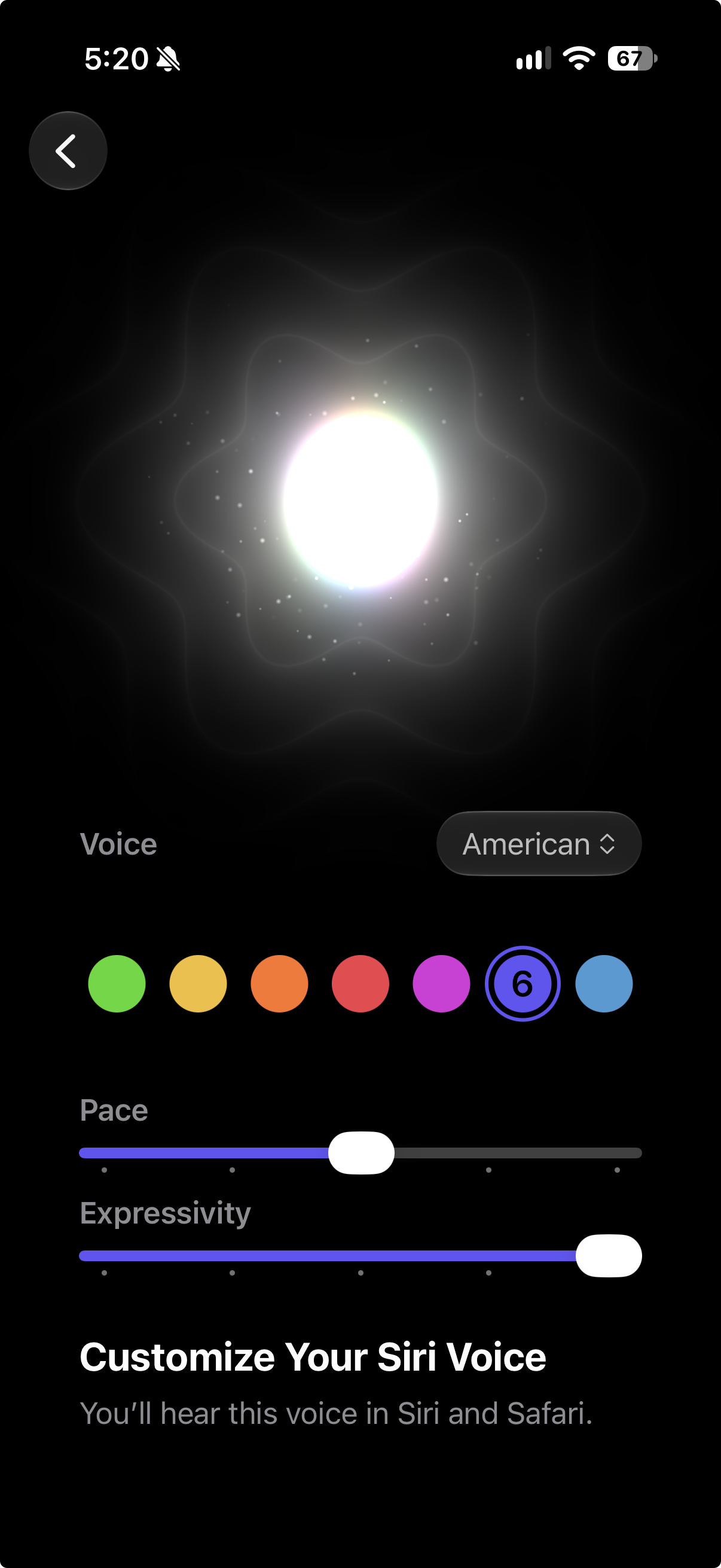
Choose the Siri voice you like.
Preview voices in Settings → Siri → Voice (or Apple Intelligence & Siri on some versions). American and British voices also offer Pace and Expressivity controls. See Apple’s voice settings guide.
For narration, select your voice in Natural Reader Audio. To change it later, open the app’s setup screen and choose ? → Edit Shortcut. New audio uses the selected voice; saved recordings keep their original voice.
Save it. Listen again. Share it.
Open … → Audio and Sharing → Save Audio. Let preparation finish before going offline. Saved readings replay without generating speech again, and Export Audio shares an M4A recording.
Choose Prepare Reading to Share → Share Reading with Highlighting to include text and word timings. The recipient can listen in Natural Voice Reader without setting up Siri.
Need a hand?
If a voice is missing, check device compatibility and your Siri configuration. If setup fails, confirm the shortcut is installed and its permissions are allowed, then tap Try Again. Audio without highlighting may mean on-device English speech support is unavailable. The support page has the full troubleshooting steps.