Find the words you remember.
Search notification text, or narrow your history by app and date.
Notification History Archive
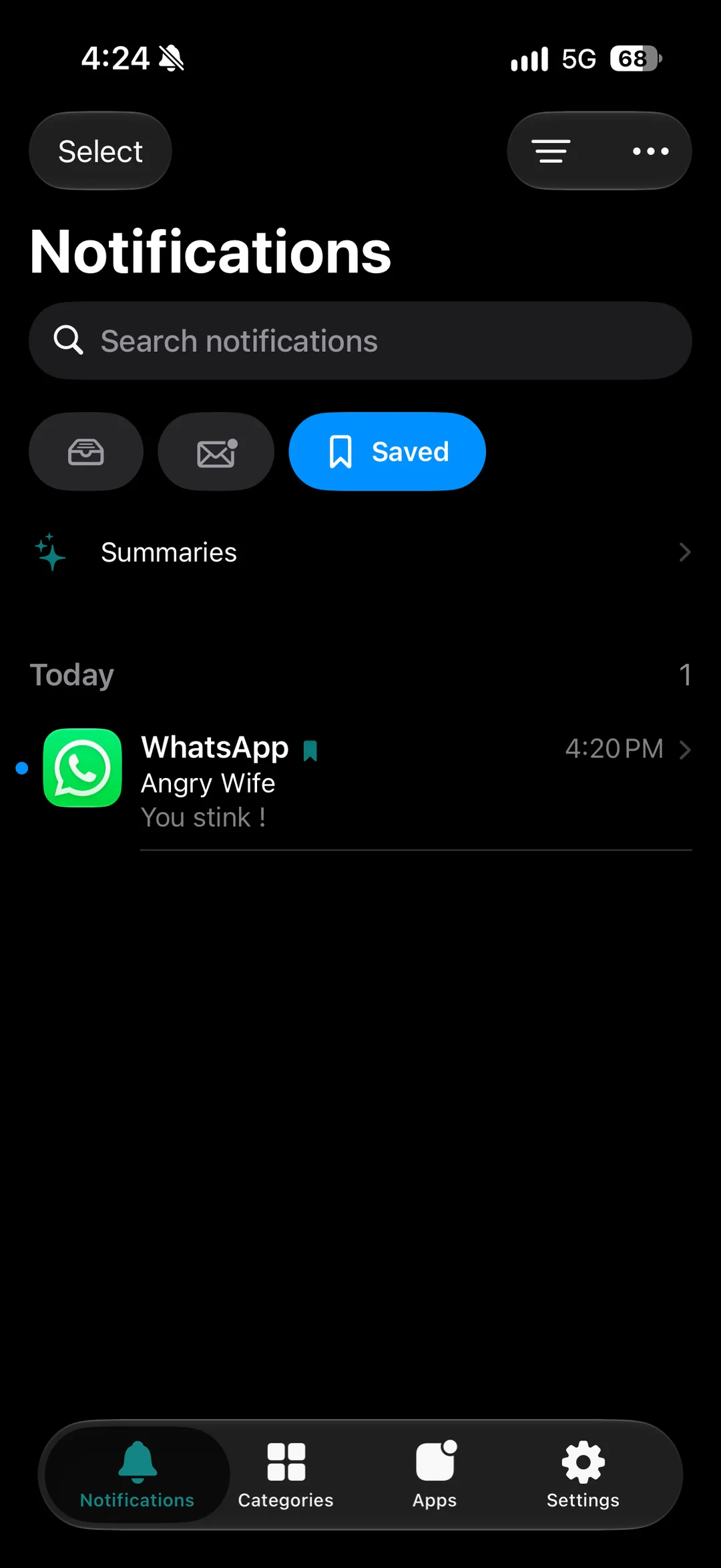
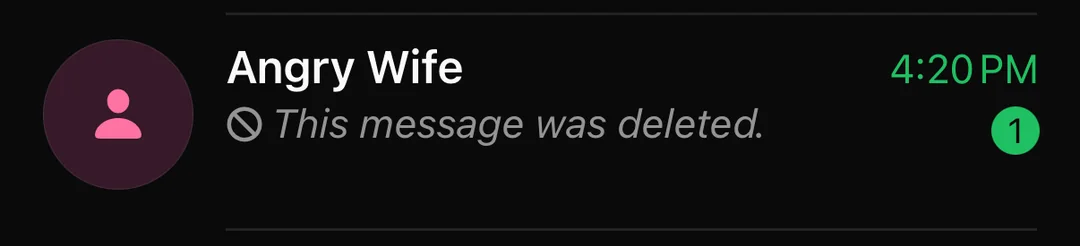
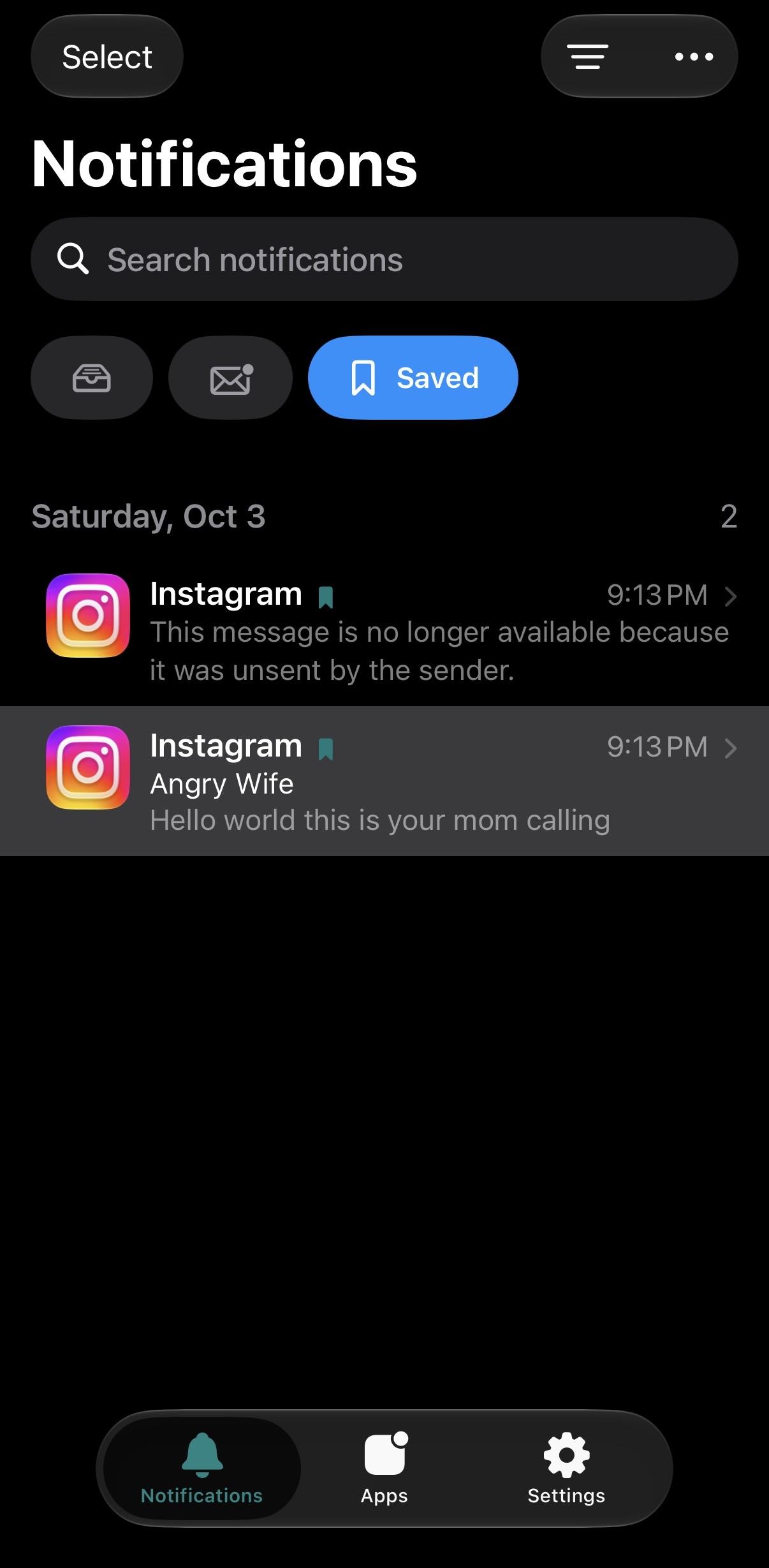
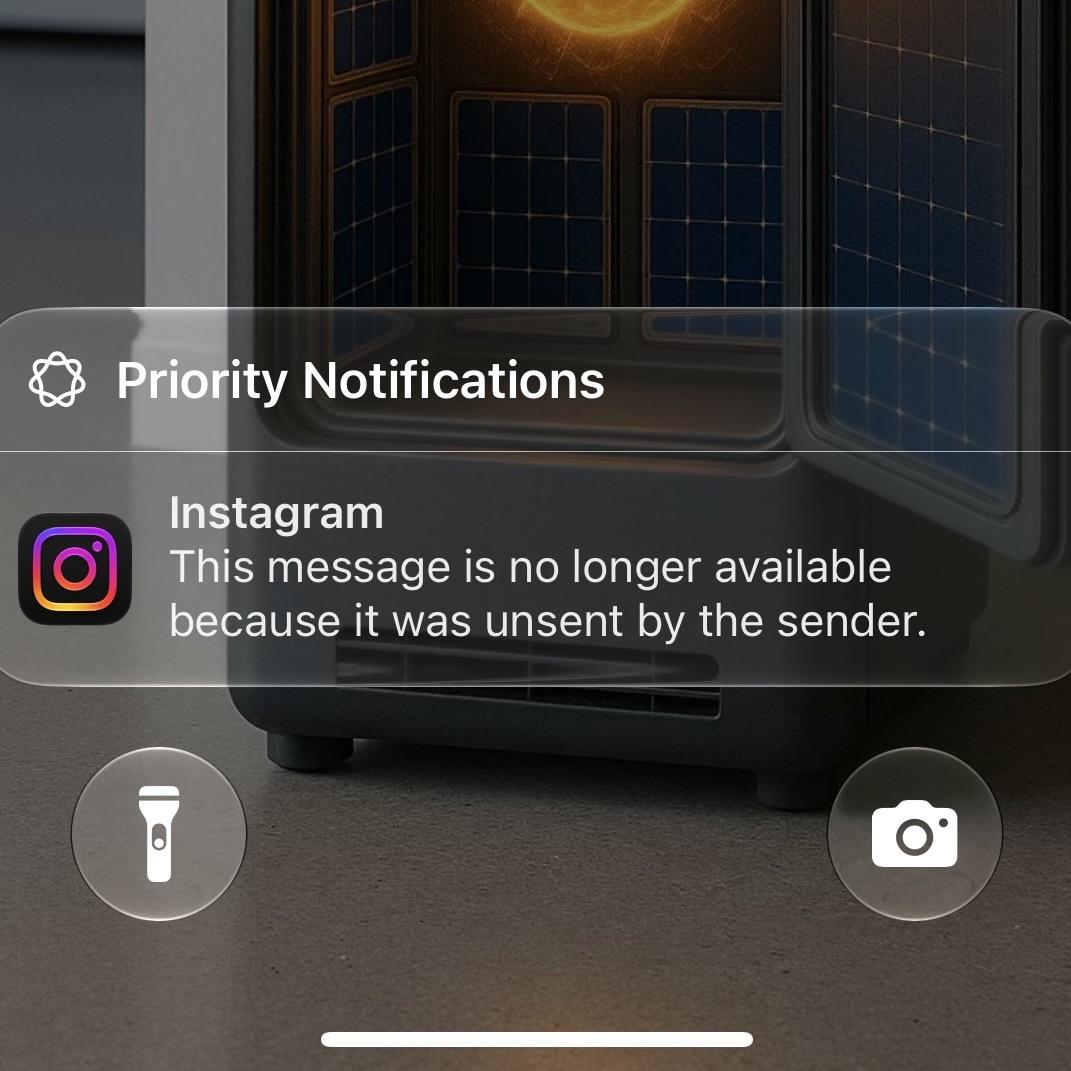
Save WhatsApp and Instagram notification previews before the sender deletes or unsends the message, so you can still read what arrived. Your searchable archive also keeps alerts you tapped too quickly or cleared by mistake.
iOS 27 / iPadOS 27 or later · Last five hours free
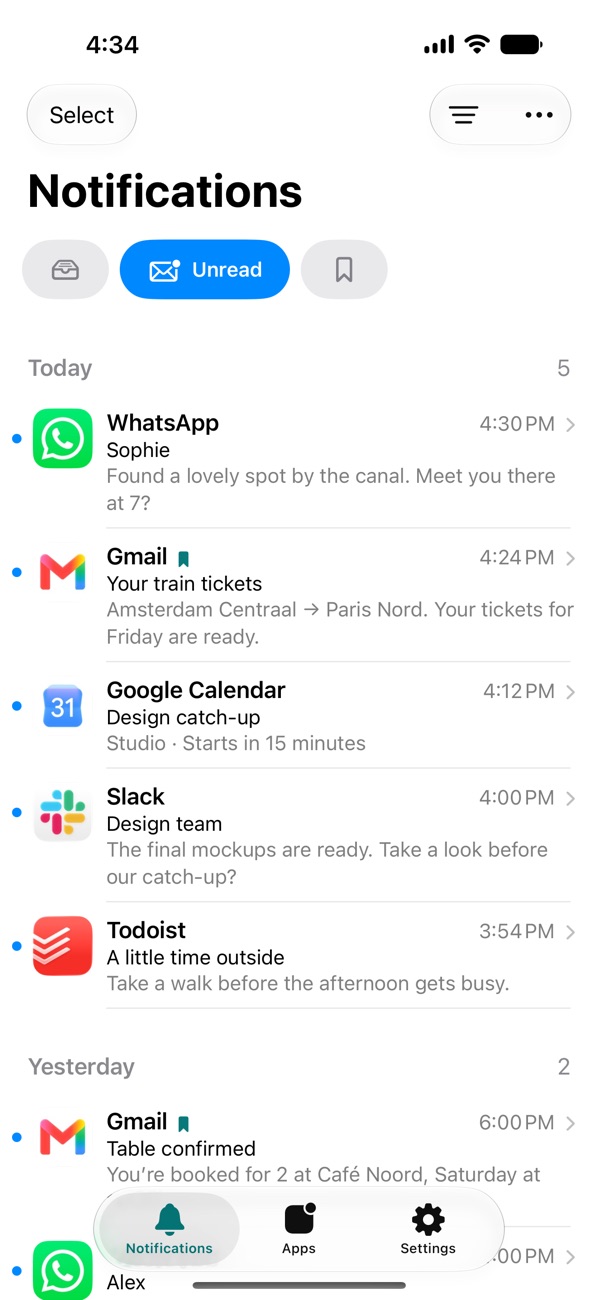
Search notification text, or narrow your history by app and date.
Capture the apps you care about. Browse by app, save an alert, or export your history with Full History access.
Your archive stays on your device. No account, ads, tracking, or developer server receiving your notification text.
iOS 27 can run a Shortcut when a notification arrives. The included shortcut passes its content to your archive.
Follow the illustrated setup in the app.
Select the apps to capture in Shortcuts and turn on Automation.
Return to the app and run the setup test. Once it arrives in your archive, you’re ready.
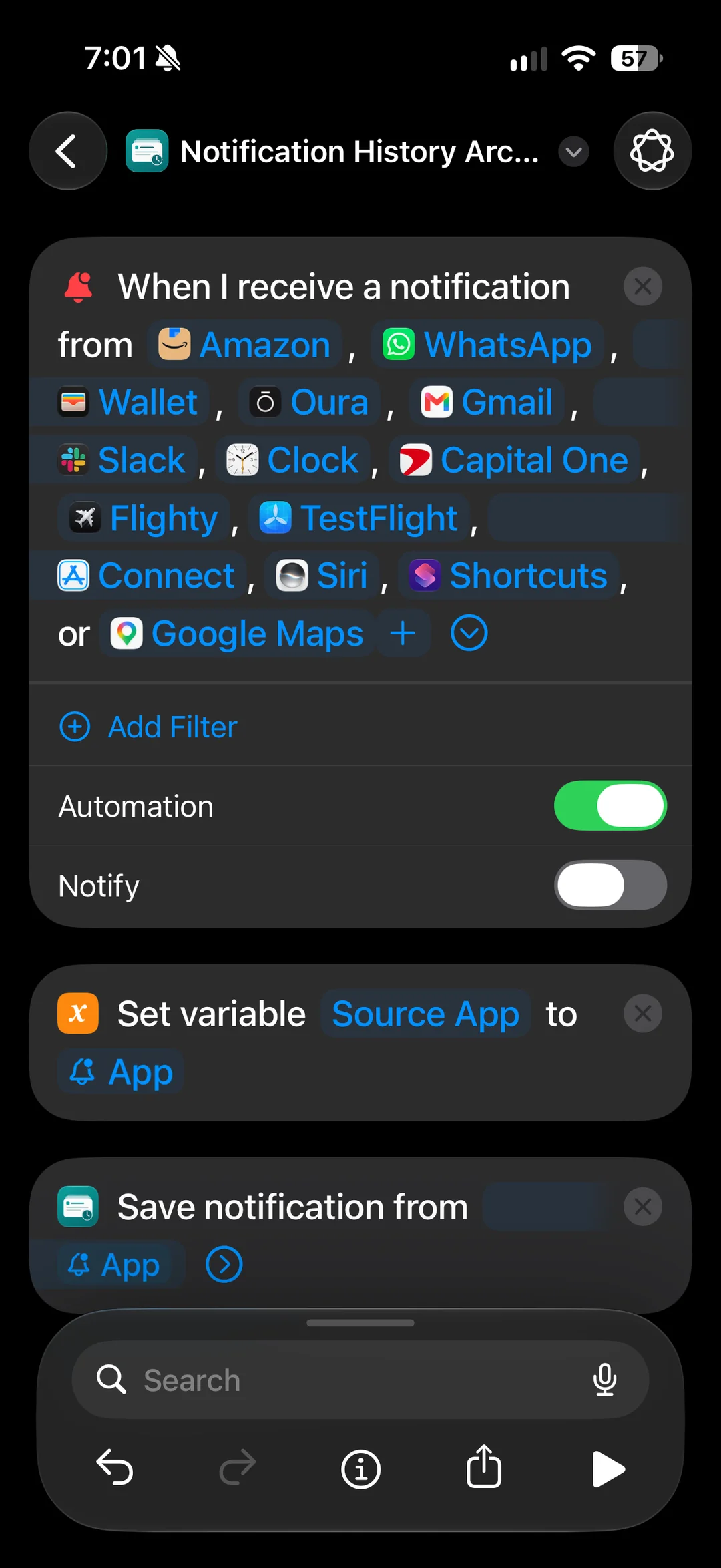
If a WhatsApp or Instagram notification is saved before the sender deletes or unsends the message, that saved preview can still be read in your archive.
Capture starts after setup. This saves notification previews, so long messages may be cut off. It cannot recover old messages, read chats, or retrieve notifications that weren’t captured. What gets saved depends on notification previews and the information iOS passes to Shortcuts.
The latest five hours of captured notifications are free to view. The included shortcut and setup are free, too.
View older stored notifications and export your archive as JSON or CSV. Optional US pricing is $0.99/month, $4.99/year, or $9.99 for lifetime access. Check current App Store pricing for your region.
Yes. You can adapt the shortcut to save notification text to Notes, a file, or your own destination. The app adds illustrated setup and a searchable archive.
It saves new notifications after the automation is enabled. It cannot read Notification Center or retrieve earlier notifications.
Your archive is stored locally on your device. You choose what to export, share, or delete. Read the privacy policy.

Last five hours free. Full History is optional.